
Authentication
The Opendoor API uses API keys to authenticate requests. These keys can be viewed and managed via our Developer Dashboard.
Our production and testing environments each expect requests to be authenticated and separate keys must be managed for each. A test key used with our production endpoint will be considered an unauthenticated request. The same holds true for a production key used with our development endpoint.
Manage production keys in the production Developer Dashboard and test keys in the test Developer Dashboard. Both dashboards use the same API key workflow.
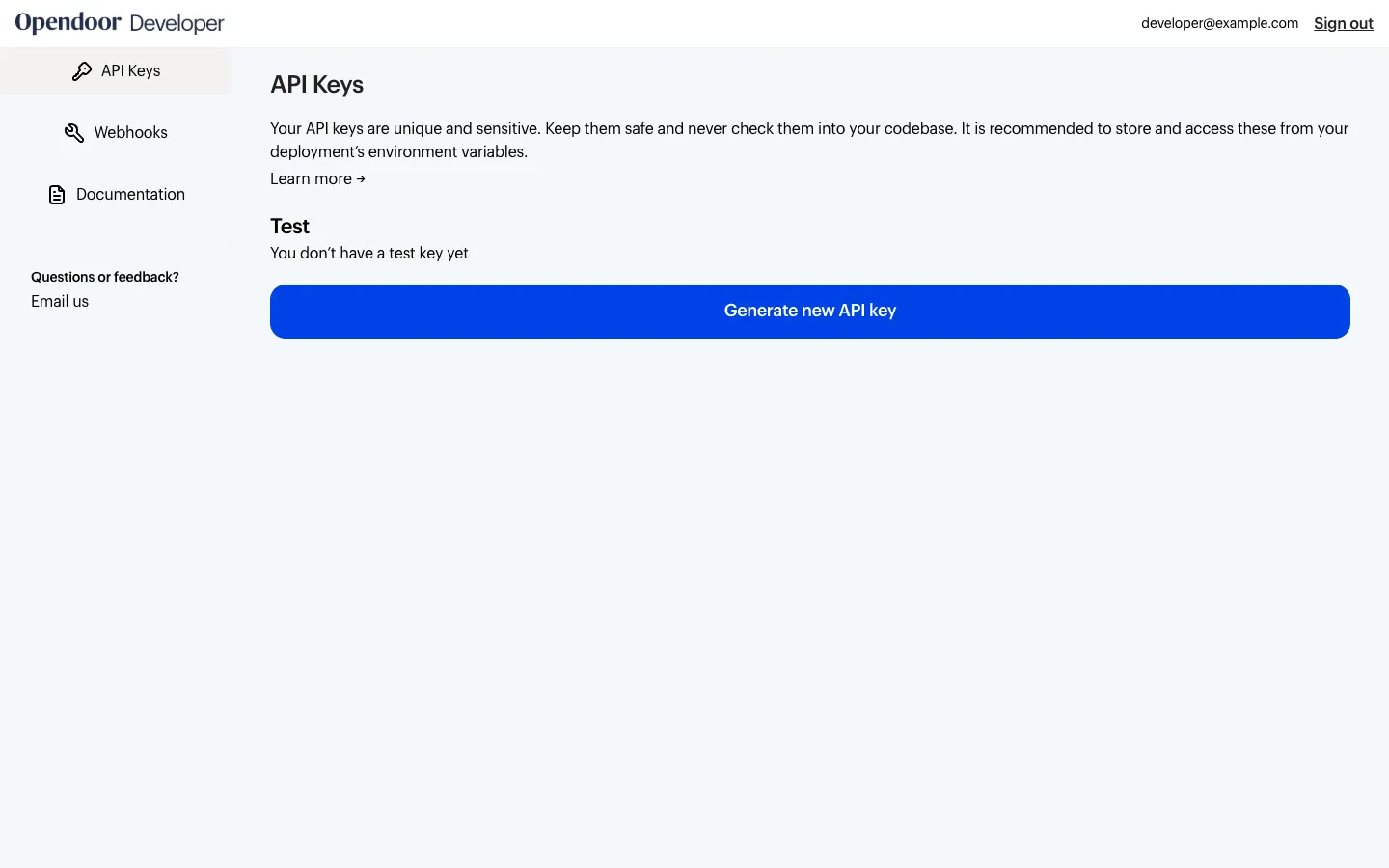
The key should be provided in the Authorization header of your request. When using the playground that can be added at the bottom:

Or add it to your code following one of these examples:
{ headers: { "Authorization": "Basic <YOUR_API_KEY>" }}-H "Authorization: Basic <YOUR_API_KEY>" \